
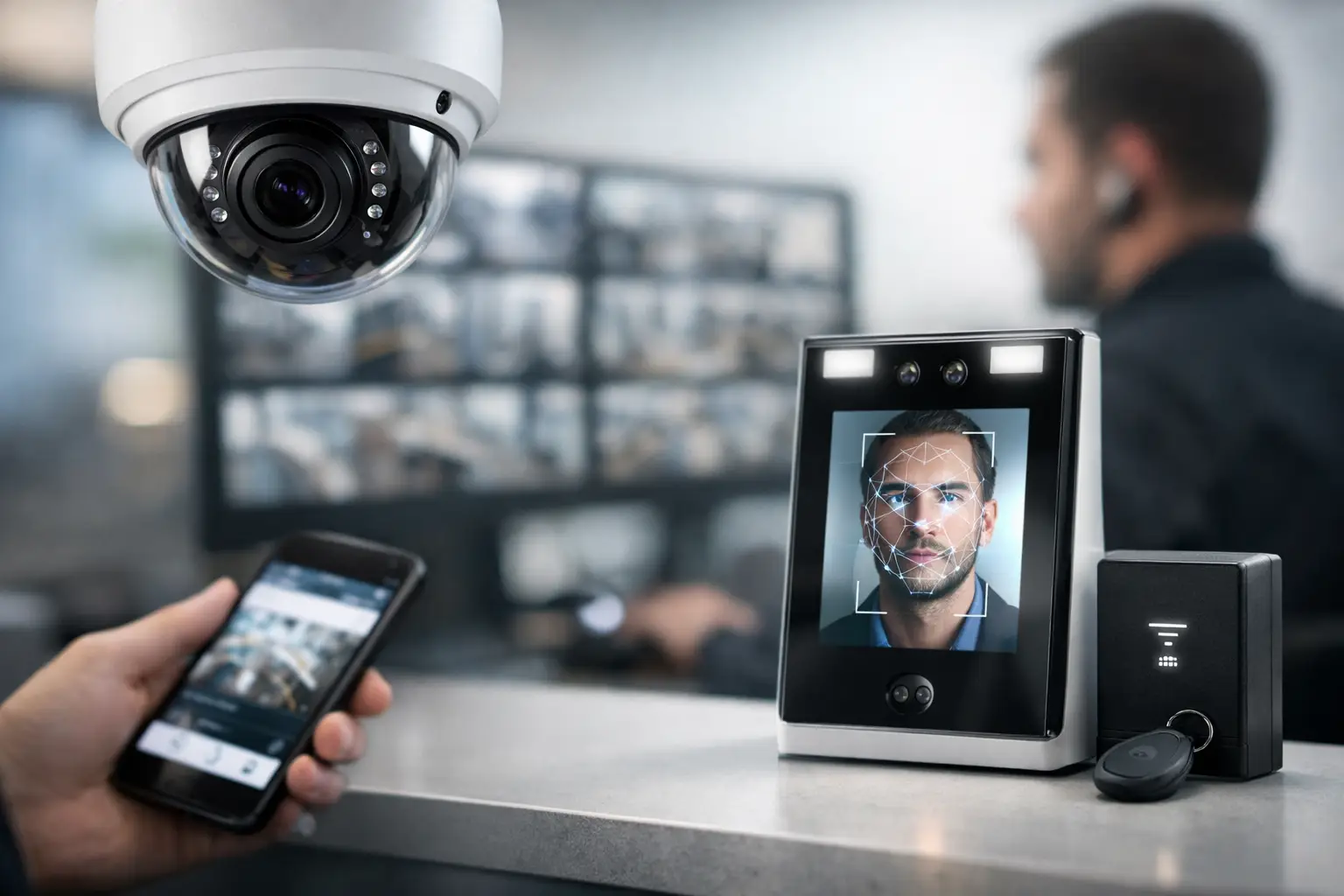
A camera that records an incident after the fact is no longer enough for most properties. The most valuable security technology trends help operators identify a real threat faster, verify it clearly, and respond without sending staff across the building or across town. For dealers, installers, property managers, and business owners, the priority is not adding technology for its own sake. It is building systems that reduce blind spots, false alerts, service calls, and operational friction.
The strongest deployments now connect surveillance, access control, networking, and remote management into a system that can grow with the site. Here is what is changing and how to plan for it.
Security Technology Trends Shaping New Installations
AI detection is becoming a practical operating tool
Artificial intelligence has moved beyond a product label. Current camera analytics can distinguish people, vehicles, and other common objects, allowing operators to receive more relevant notifications than they would from basic motion detection alone. This matters at a retail store after hours, a warehouse yard, an apartment entrance, or a school perimeter where trees, headlights, rain, and animals can otherwise trigger constant alerts.
The operational benefit is simple: staff can focus on events that need attention. AI-powered human and vehicle filtering can also make recorded video easier to search. Instead of reviewing hours of footage, an operator can narrow the timeline to vehicle activity at a loading dock or people entering a restricted area.
Analytics still require correct setup. Camera angle, mounting height, scene lighting, detection zones, and sensitivity settings all affect performance. A poorly positioned camera can produce poor results regardless of its analytics package. Installers should test detection rules during commissioning and adjust them for the site’s actual traffic patterns.
Full-color imaging and smart lighting improve verification
Low-light coverage remains one of the most important camera decisions. Infrared cameras provide usable black-and-white images in darkness, but full-color security cameras can provide clearer identifying details when there is available ambient light or integrated supplemental lighting. Colors on clothing, vehicles, packaging, and signage may make a major difference during an investigation.
Dual-light cameras add flexibility. They can use infrared illumination for discreet monitoring, then activate visible light when a person or vehicle enters a defined area. This can improve color capture and create a visible deterrent without keeping bright white light on all night.
There is a trade-off. Visible lighting should be planned carefully around neighbors, roads, windows, and local property requirements. At sites where discretion is the priority, infrared may remain the better choice. The right answer depends on whether the goal is deterrence, identification, or both.
Remote management is replacing location-by-location administration
Multi-site businesses do not want separate workflows for every recorder, camera, door controller, switch, and wireless access point. Cloud-managed networking and centralized security platforms allow authorized users to check device status, manage access points, review alerts, and support remote locations from one interface.
This shift is especially useful for franchise operators, property management groups, regional retailers, and dealers supporting multiple customers. Remote health monitoring can reveal an offline camera, storage issue, or network interruption before it becomes a larger service problem. It can also reduce unnecessary truck rolls when a technician can diagnose the issue remotely.
Remote access must be protected. Use strong unique credentials, role-based permissions, multi-factor authentication where available, and regular software updates. Convenience should not create an open path into the customer’s network.
Access control is moving toward flexible credentials
Keys are difficult to track, expensive to replace, and easy to duplicate. Modern access control systems give managers more control over who can enter, when they can enter, and which doors they can use. Card, fob, PIN, mobile credential, fingerprint, and face-based options can be selected based on the environment and the customer’s policies.
For a small office, a simple door controller with mobile management may be enough. A larger facility may require scheduled access groups, visitor credentials, audit trails, intercom integration, and multiple buildings managed from one platform. The value is not just keeping unauthorized people out. It is reducing the administrative burden of onboarding employees, revoking former employee access, and investigating door events.
Privacy and workplace policies matter, particularly when biometric credentials are considered. Integrators should review local requirements and help customers choose a method that matches their risk level and operating practices.
The Network Is Part of the Security System
High-resolution IP cameras, PTZ cameras, NVRs, wireless access points, and cloud services all depend on a stable network. Yet networking is still frequently treated as an afterthought. That creates avoidable problems: choppy live video, delayed notifications, dropped cameras, limited storage performance, and difficult remote access.
A properly planned system considers bandwidth, PoE power budget, switch capacity, cable distance, uplink speed, wireless coverage, and network segmentation. A PoE switch may simplify installation by delivering power and data through one cable, but it must have enough total power for every connected camera, especially PTZ models, heaters, illuminators, or devices with high startup demand.
Network segmentation is also a practical security measure. Separating cameras and access control devices from business workstations and guest WiFi can limit exposure if one device is compromised. Firewalls, managed switches, and cloud routers give installers more control over traffic and make larger deployments easier to maintain.
For sites where cabling is limited, WiFi CCTV can be a useful option. It should not be treated as a universal replacement for wired cameras. Wireless performance depends on signal strength, interference, building materials, distance, and the number of connected devices. A site survey can determine whether a wireless bridge or access point design will provide dependable coverage.
Better Video Is Also Easier Video to Use
Higher resolution helps, but image quality is more than a megapixel number. Wide dynamic range helps cameras handle scenes with bright doors or windows behind a subject. A properly selected lens determines whether the camera captures a broad overview or the detail needed at a gate, cash wrap, or entrance. PTZ cameras can cover wide areas and follow activity, but they should complement fixed cameras rather than replace them. A PTZ can only look in one direction at a time.
Storage planning also deserves attention before equipment is ordered. Retention requirements vary by business, risk profile, camera count, resolution, frame rate, compression setting, and activity level. A system with continuous recording needs a different hard drive capacity than a system that records only on events. Customers should define how many days of footage they need and whether critical cameras require longer retention.
For high-traffic sites, an NVR with sufficient processing capability and surveillance-rated hard drives can support consistent recording and easier playback. For legacy analog environments, a DVR may remain a practical path for extending an existing system. The best upgrade path depends on the customer’s cabling, budget, and long-term expansion plans.
Installation Simplicity Still Drives Long-Term Results
The trend that matters most is not a single camera feature. It is the move toward complete, supportable systems. A camera is more useful when it is paired with the right junction box, weatherproof mounting method, cabling, PoE switch, recorder, hard drive, and configuration support. A door controller performs better when power, egress hardware, credential enrollment, and fire-code considerations are addressed from the start.
Standardizing equipment across a customer’s locations can simplify training, replacements, and future expansions. It also gives dealers a repeatable installation approach. That does not mean every site needs the same bill of materials. A small retail location, a construction yard, and a medical office have different coverage, privacy, access, and retention needs.
Before recommending equipment, confirm the operational question the system must answer. Is the customer trying to verify deliveries, control employee access, deter trespassing, investigate point-of-sale incidents, or monitor several sites remotely? That answer should guide camera placement, analytics rules, access control design, and network requirements.
Worldstar helps dealers and end users build around that practical goal with surveillance, access control, network infrastructure, and ongoing technical support in one place. Start with the conditions at the site, specify equipment that can be serviced and expanded, and make sure the people responsible for the system can use it confidently when an event occurs.


