
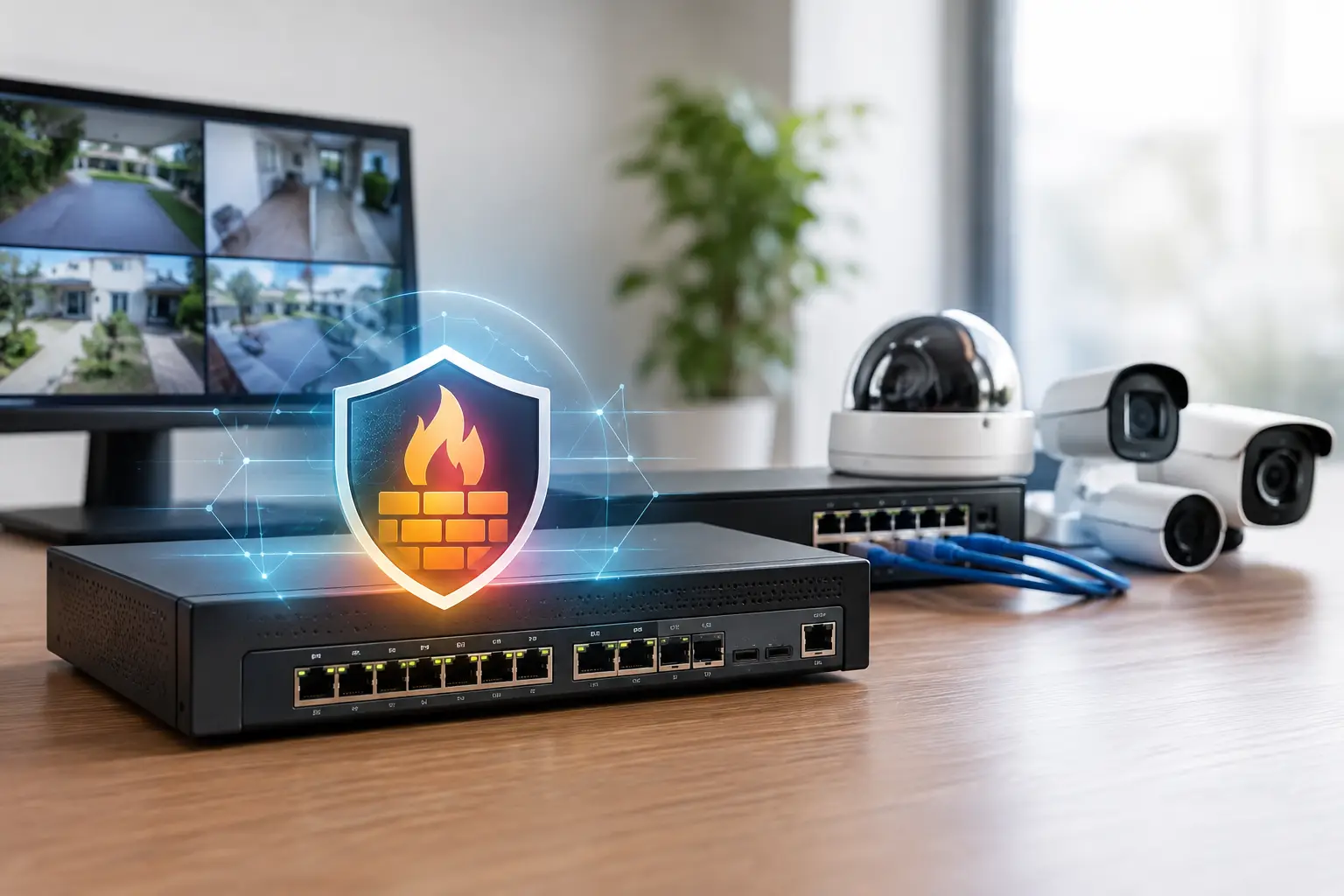
A camera system can have crystal-clear footage, a properly sized NVR, and quality PoE switches, yet still become the weak point in a property network if cameras and recorders are exposed to the internet. A firewall for security camera network deployment gives installers and site owners control over what can communicate, who can connect remotely, and what happens when a device is compromised.
For a small retail store, the right setup may be a compact firewall with separate camera and office networks. For a multi-site warehouse, it may require cloud-managed routing, VPN access, traffic rules, and centralized visibility. The goal is the same: keep surveillance recording reliably without allowing camera traffic to create an open path into the business network.
Why a Firewall for Security Camera Network Matters
IP cameras, NVRs, cloud routers, access control panels, wireless access points, and office computers often share the same internet connection. Without network segmentation, a problem with one device can affect the rest of the site. A misconfigured camera, an outdated password, or an unnecessary open port can expose video, disrupt recording, or provide an attacker with a route to other connected equipment.
A properly configured firewall does more than block suspicious traffic. It creates rules for how devices are allowed to communicate. Cameras may need to reach the NVR, NTP server, DNS server, or a secure cloud management service. They generally do not need unrestricted access to employee workstations, point-of-sale systems, guest WiFi, or every device on the internet.
This separation also improves troubleshooting. When camera traffic is isolated, installers can identify whether a recording issue is caused by a camera, PoE switch, NVR, uplink, or internet connection instead of sorting through unrelated office traffic. That saves time during installation and reduces service calls later.
Start With Segmentation, Not Open Ports
The most practical design is to place surveillance equipment on its own VLAN or dedicated subnet. This creates a logical boundary between the camera system and the business LAN while allowing controlled access where it is actually needed.
A typical installation may use one network for cameras and the NVR, one for office computers and POS equipment, and one for guest wireless traffic. Larger sites may also separate access control, intercoms, and building automation systems. The firewall then manages traffic between those networks.
For example, cameras can be permitted to communicate with the NVR on the ports required for video, discovery, and management. A manager workstation may be permitted to access the NVR web interface. Guest WiFi should have no route to the camera network at all. This approach is cleaner and safer than putting every device on one flat network and relying on passwords alone.
Segmentation has a trade-off: it requires planning. Camera discovery tools, mobile apps, and local workstation access can be more complicated when devices are on separate VLANs. The answer is not to remove the firewall rules. It is to document the required traffic, configure inter-VLAN permissions carefully, and test remote and local viewing before turnover.
Keep Cameras Off the Public Internet
Direct port forwarding is one of the most common surveillance network mistakes. It can make remote viewing appear simple, but it exposes the NVR or camera interface to repeated internet scanning and login attempts. Forwarding ports should be avoided whenever a secure alternative is available.
A VPN is usually the better option for installers, administrators, and authorized remote users. Instead of making the recorder publicly reachable, the user establishes an encrypted connection to the site network and accesses the NVR as if they were local. Cloud-managed systems can also provide secure remote connectivity when correctly configured, with account controls and multi-factor authentication where available.
There are cases where port forwarding is required because of a legacy platform or customer requirement. If that is the case, limit exposure to only the necessary service, restrict source IP addresses when possible, change default ports only as a minor obscurity measure, use strong unique credentials, and keep firmware current. Changing a port does not replace a firewall policy.
Build Rules Around Required Traffic
Firewall rules should follow the principle of least privilege. In practical terms, allow only the traffic the device needs to do its job, then block unnecessary connections. Start by documenting the equipment list, IP addresses, VLAN assignments, and service requirements before creating rules.
For most camera deployments, rules should address these operational needs:
- Cameras must communicate with the NVR or VMS for recording and configuration.
- Authorized computers and mobile users need controlled access to live view, playback, and administration.
- Devices may need DNS, NTP, firmware update access, or approved cloud services.
- Installer and support access should be secured through a VPN or a temporary, documented support method.
The exact ports and protocols depend on the camera manufacturer, NVR platform, and management software. Avoid copying a generic port list into every installation. Verify the requirements for the specific equipment being deployed, especially when integrating third-party cameras, ONVIF devices, access control, or IP audio.
Outbound rules matter as much as inbound rules. A camera that has no business reaching unknown destinations should not have unrestricted outbound internet access. Some installations allow only the NVR or cloud gateway to reach approved external services, while cameras remain local to the surveillance VLAN. This can reduce risk and simplify bandwidth planning.
Size the Firewall for Video Traffic and Growth
A firewall that works well for office browsing may not be the right choice for a surveillance site. Video systems create predictable but significant traffic, particularly when several cameras are viewed remotely, footage is uploaded to a cloud service, or multiple branches connect back to a central monitoring location.
Start with camera count, resolution, frame rate, compression settings, bitrate, retention period, and expected remote users. A 4K camera configured for high detail and continuous recording consumes far more bandwidth than a low-bitrate 1080p camera using motion recording. PTZ cameras, multi-sensor cameras, and AI analytics can add further processing and network demand.
Firewall throughput specifications should be reviewed with security services enabled. A unit may advertise high routing throughput, but performance can drop when VPN, intrusion prevention, web filtering, deep packet inspection, or logging are active. For a security deployment, the relevant number is not the best-case throughput. It is the sustained throughput with the features the site will actually use.
Leave capacity for expansion. A customer who starts with eight cameras may add a loading dock, parking area, access control, audio paging, or a second building next year. Selecting a firewall and switch infrastructure with room to grow prevents a network redesign after the system is already in service.
Protect Recording Reliability
Security policies should never accidentally stop cameras from recording. The NVR should normally record over the local network even if the internet goes down. That means the camera-to-NVR path must remain stable and should not depend on cloud connectivity.
Use quality PoE switches, properly calculate PoE power budgets, and avoid running camera uplinks through overloaded consumer-grade networking equipment. Where uptime is critical, consider an uninterruptible power supply for the firewall, NVR, PoE switches, modem, and router. A firewall cannot prevent every outage, but a well-designed network can prevent a brief power event or internet issue from turning into a recording failure.
Logging is also valuable. Firewall event logs can reveal repeated login attempts, blocked outbound connections, unexpected traffic between VLANs, or devices trying to contact unfamiliar destinations. For dealers and integrators managing multiple properties, cloud-managed routers and switches can make this visibility far easier than visiting every site.
Common Configuration Mistakes to Avoid
The most damaging mistakes are often simple ones: leaving default passwords in place, enabling UPnP, exposing the NVR to the internet, placing cameras on guest WiFi, or giving every VLAN unrestricted access to every other VLAN. Another common issue is allowing an installer account to remain active permanently after commissioning.
Use unique strong passwords for cameras, recorders, routers, and firewall administration. Create separate user accounts for owners, managers, and technicians rather than sharing one administrator login. Remove unused accounts, disable services that are not needed, and establish a firmware update process that fits the customer’s maintenance plan.
Do not overlook physical installation details. A locked network cabinet, labeled patch cables, documented IP addresses, and a current network diagram make future service safer and faster. A secure firewall policy is much easier to maintain when the system behind it is organized.
A Practical Deployment Standard
For most small-to-mid-sized commercial sites, a dependable standard includes a business-grade firewall, a dedicated surveillance VLAN, managed PoE switching, no unnecessary port forwarding, secure remote access, and documented rules. This structure supports cameras, NVRs, access control, and future expansion without making daily management difficult.
Worldstar can help dealers, installers, and end users match firewalls, cloud routers, switches, cameras, and recording equipment to the requirements of a single property or a growing multi-site system. The best design is not the one with the most settings enabled. It is the one that keeps video available, access controlled, and service straightforward long after installation day.
Before commissioning the next camera project, test the network the way the customer will use it: local live view, remote playback, internet outage behavior, power recovery, authorized VPN access, and blocked access from guest devices. That final check turns a collection of security products into a dependable security system.


