
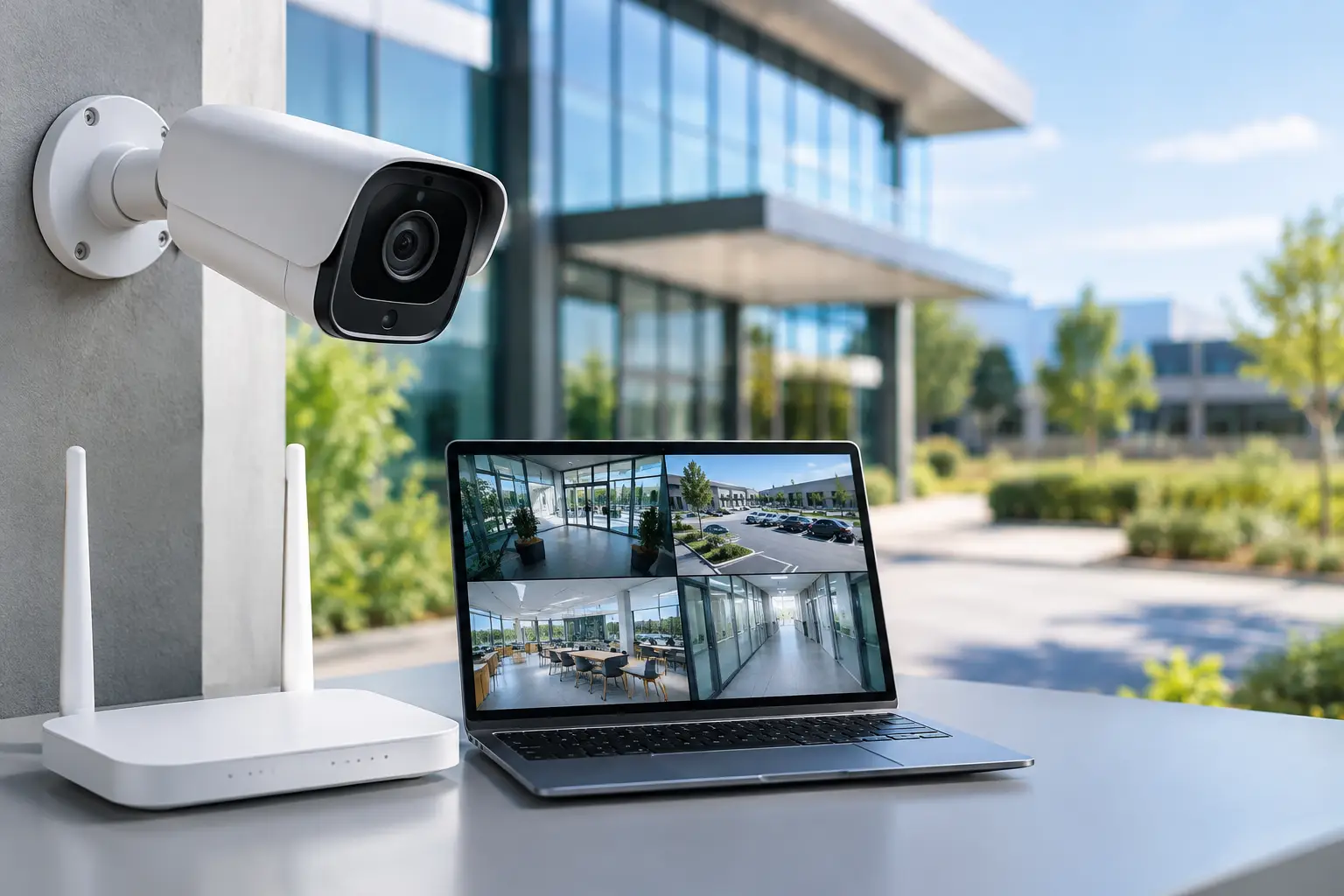
A loading dock across a paved lot, a temporary construction office, or a historic retail space with finished walls can turn a basic camera job into a costly cabling project. Commercial WiFi CCTV solutions give installers and property teams a practical way to extend surveillance coverage where new network cable is difficult, disruptive, or simply not justified.
Wireless cameras are not a replacement for every wired IP camera. They are a deployment option that works best when the network is designed around the camera, the radio path is verified, and recording requirements are defined before equipment is installed. For dealers and integrators, that distinction protects the job margin and the customer’s expectations.
Where Commercial WiFi CCTV Solutions Make Sense
WiFi CCTV is often the right fit for locations where the camera needs to be installed beyond the practical reach of structured cabling. Common examples include parking areas, detached buildings, gate entrances, rental properties, warehouse overflow zones, outdoor storage, and retail spaces where opening walls or ceilings is not an option.
It is also useful for phased projects. A property manager may need immediate visibility at a vulnerable entrance while planning a larger renovation months later. A wireless camera can provide coverage now, then be relocated or integrated into the final system when the site is ready.
The strongest commercial deployments use WiFi as part of a complete surveillance design. That may include an NVR for local recording, a PoE switch and wired cameras for high-priority interior areas, wireless access points for distant coverage zones, and remote management for operators who oversee more than one property.
Wireless Does Not Mean Cable-Free
Every camera still needs dependable power. Depending on the model and location, that may mean a nearby AC outlet, a PoE connection at a wireless bridge endpoint, or a purpose-built power solution. Outdoor devices also need weather-rated junction boxes, protected connections, and proper grounding practices where applicable.
The network side requires the same level of planning. A camera that connects to the office WiFi may appear to work during a quick test, then become unreliable once staff devices, guest traffic, and streaming services compete for airtime. Commercial installations need a dedicated wireless design, not an unused corner of a consumer network.
Start With the Camera’s Job, Not Its Spec Sheet
A camera should be selected for what it must identify, not only for its resolution. A wide parking lot overview, a face at a side entrance, and a license plate at a vehicle gate each call for different mounting positions, lenses, lighting, and fields of view.
For entrances and customer-facing areas, high-resolution IP cameras with WDR can help retain usable detail when bright exterior light meets a darker lobby. For unlit exterior zones, full-color cameras with dual lighting can capture color detail when conditions allow and shift to supplemental illumination when they do not. PTZ cameras can cover larger active areas, but they should not be the only camera protecting a fixed point such as a cash register or delivery door. When a PTZ moves, it is no longer watching its previous view.
Ultra Motion Detection and other smart event tools can reduce the time operators spend reviewing irrelevant activity. They work best when detection zones, object filters, and alert schedules are configured for the site. A camera aimed at a busy road or a tree line will create unnecessary notifications unless the scene is properly tuned.
Match Wireless Capacity to Video Demand
High-resolution video consumes network capacity, especially when several cameras upload to an NVR at the same time. Frame rate, bitrate, compression settings, scene activity, and stream count all affect the real demand. A quiet hallway has a different bandwidth profile than a busy shipping lane during receiving hours.
For a single camera at moderate settings, a properly positioned commercial access point may be sufficient. For multiple cameras, long distances, metal-sided structures, or outdoor building-to-building links, dedicated point-to-point or point-to-multipoint wireless equipment is usually the better choice. It creates a controlled path for video traffic instead of asking cameras to compete with general WiFi users.
A site survey should check line of sight, distance, mounting height, sources of interference, and likely seasonal changes. Trees that are bare during an installation can block a signal once foliage returns. Forklifts, refrigeration equipment, concrete walls, and steel racking can also change wireless performance substantially.
Design the Recording Path Before Installation
A camera is only useful if the video is available when an incident occurs. For most commercial sites, an NVR with surveillance-rated hard drives provides predictable local recording, centralized playback, and the ability to maintain footage even if internet service is interrupted.
Storage sizing should reflect the customer’s retention requirement, camera count, resolution, recording schedule, and activity level. Continuous recording gives the fullest timeline but requires more storage. Motion or event-based recording can extend retention and simplify review, although poorly configured detection can miss activity or fill storage with false events.
Remote access is valuable for owners, managers, and security staff, but it should not be the only plan for preserving video. Cloud-managed tools can simplify multi-site administration and remote health checks. Local recording remains the practical foundation for businesses that need control of their footage and dependable playback at the location.
Build for Failure, Not Just Normal Operation
Commercial customers expect surveillance to keep working through routine disruptions. Use a UPS where power stability is a concern, protect outdoor equipment from water intrusion, and choose weatherproof cameras and enclosures for exposed locations. Separate camera traffic from guest WiFi and nonessential devices when possible.
Installer handoff should include a clear camera map, recorder credentials managed according to the customer’s policy, mobile app setup, and a short explanation of how to search footage. It also helps to document wireless signal readings and final recording settings. This makes future service calls faster and gives the customer a baseline if site conditions change.
Common WiFi CCTV Mistakes That Create Callbacks
The first mistake is treating signal strength as the only measurement that matters. A camera can show a strong signal while still experiencing latency, packet loss, or channel congestion. Throughput and stability are what determine whether live video and recorded streams remain usable.
The second is mounting cameras wherever power happens to be available. That can create poor identification angles, direct glare, easy tampering, or views blocked by loading equipment. Camera placement should follow the security objective, with power and wireless design built around that location.
The third is mixing consumer-grade networking with commercial surveillance expectations. A small retail site may not need enterprise hardware everywhere, but it does need equipment sized for continuous video traffic, remote administration, and the number of connected devices. The lowest upfront equipment cost often becomes the highest service cost after repeated dropouts.
Finally, do not promise wireless performance without discussing trade-offs. Wired PoE remains the preferred option for mission-critical cameras, high-bitrate multi-camera groups, and locations where cable routes are straightforward. WiFi delivers its best value when it avoids major construction, supports a remote coverage area, or provides a practical bridge to a future wired expansion.
A Practical Deployment Plan for Installers and Buyers
Begin by walking the property and identifying the events that matter: deliveries, employee entrances, after-hours access, customer transactions, vehicle movement, or perimeter activity. Then determine what operators need to see and how long footage must be retained. This turns a broad request for cameras into a system scope that can be quoted accurately.
Next, separate the site into wired and wireless zones. Use cable where it is economical and dependable. Reserve WiFi for the locations that benefit from it, then validate the wireless path before final mounting. Test video at the intended resolution and recording settings, not just a low-quality live preview on a phone.
Finish by confirming remote access, alerts, playback, and user permissions with the customer. A commercial system is not complete when cameras display an image. It is complete when the right people can find usable footage quickly, receive meaningful notifications, and maintain coverage as the property changes.
Worldstar can help dealers, installers, and commercial buyers pair WiFi CCTV cameras, NVRs, wireless access points, PoE equipment, and installation support into a system that fits the site rather than forcing the site to fit a box. The best next step is simple: verify the coverage objective and wireless path first, then build the camera system around both.


